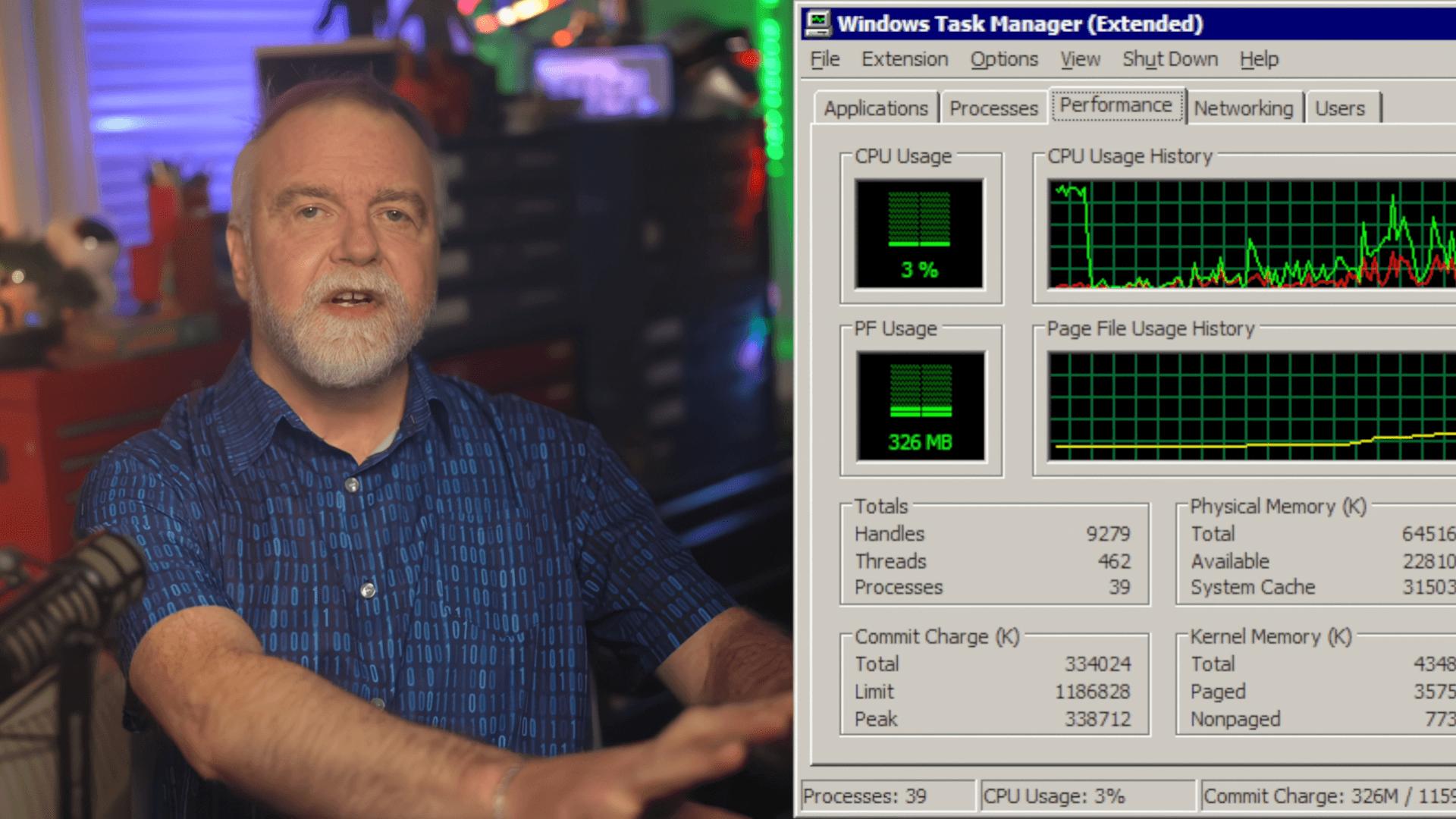
Editorial correction — November 11, 2026: The original April 12 story reported former Microsoft engineer Dave Plummer's description of building Windows Task Manager in under 80 KB, but treated the size difference from a modern utility as automatic proof of greater reliability. Plummer's account is more instructive: Task Manager was designed to respond quickly when the rest of the computer was already struggling. The article now explains his actual engineering choices and the limits of comparing executables across eras.
Was the original Windows Task Manager really under 80 KB?
Yes, according to the engineer who built it. Dave W. Plummer discussed the original utility on his Dave's Garage channel in April 2026. Tom's Hardware's April 12 coverage and PC Gamer's April 13 account summarize his explanation.
Plummer contrasted the sub-80-KB original executable with a roughly 4 MB modern version. That is a notable difference, but it compares program sizes rather than peak RAM usage, launch latency or crash rates measured in equivalent conditions.
A small executable may still allocate memory, load libraries and carry out expensive operations. A larger executable can be efficient when used on modern hardware. File size alone is not a performance benchmark.
Why was responsiveness the priority?
Task Manager is usually launched when something has gone wrong: an application freezes, a process consumes too many resources, or the desktop stops responding.
On 1990s computers, even small delays mattered. Plummer had experience programming games on machines such as the 1 MHz Commodore 64, where programmers had to account for every expensive instruction and allocation.
He applied that mindset to a recovery tool. Startup had to be quick, dependencies had to be limited, and operations invisible to the user should not consume scarce resources.
The lesson is not that all modern software should abandon frameworks or fit inside 80 KB. It is that reliability tools should be engineered and tested for resource-constrained failure conditions.
How did the utility detect a frozen existing instance?
Plummer described an unusual improvement to the familiar single-instance startup pattern.
A basic app can notice that a copy is running and bring its window forward. But what if the existing process itself is frozen and cannot help the user?
The original Task Manager sent a private message to the existing instance and checked whether that instance responded. If it did, the healthy process could be activated. If it failed to respond, a fresh Task Manager could launch rather than simply handing control back to a hung copy.
That is a useful software engineering distinction between process existence and process health.
It does not guarantee that every frozen PC can be recovered in this way, and it does not imply that current versions of Windows preserve exactly the same internal message sequence.
Why retrieve the process table in one batch?
Another design choice was to avoid an excessive number of tiny operating-system calls. Plummer described requesting the process table from the kernel in a single operation, then processing the results locally.
When the buffer proved insufficient, the program could resize it and retry. That approach trades occasional buffer management for fewer repeated kernel calls.
This matters because the process list is updated repeatedly. If each refresh queried every process separately, the number of calls and associated overhead could become significant.
The same principle appears in database, network and application design today: fetch an appropriately sized set once instead of launching hundreds of unrelated small requests, when consistency and memory constraints allow.
That is a technique, not a guaranteed universal speedup. Measurement is needed to decide whether batching helps a particular workload.
What did caching and lazy loading contribute?
Plummer's design also cached frequently needed text instead of rebuilding it constantly. Rare functionality could be loaded only when required.
An example described in the reporting was the ability to eject a docked computer, an operation most users would never need during a typical Task Manager session.
Keeping rare features out of the essential startup path made sense for an emergency utility. The idea is often called lazy loading or deferred initialization.
Modern frameworks may provide important security, accessibility and compatibility advantages. A responsible developer should not remove a dependency blindly, but should ask when it needs to be loaded.
The original article generalized this into a claim that modern software is categorically inferior. The underlying engineering point is narrower: expensive work should earn its place on critical paths.
How did Task Manager avoid wasteful redraws?
Plummer described comparing new process information with the previous state so the interface did not need to repaint every row and column during every update.
Selective drawing reduces wasted UI work and helps preserve a stable experience when process counts change.
His approach included tracking changes to individual process fields and supplying some displayed data only when the interface requested it.
This resembles modern incremental UI principles, but the specific platform APIs and data structures differ. It would be misleading to claim that today's Task Manager has no incremental rendering or that an old 80-KB interface must display more smoothly on every machine.
Performance should be measured under realistic workload and failure conditions, not inferred from nostalgic expectations.
Does 80 KB versus 4 MB measure RAM usage?
No. Plummer's comparison was about executable size, not a measured amount of RAM used after launch.
Today's Windows includes considerably more capabilities, security requirements and hardware monitoring features than the original NT-era systems. A fair comparison would separately measure cold-start latency, memory footprint, CPU overhead, refresh cost and behavior when the system is overloaded.
Without those measurements, we cannot say that the original app was fifty times faster, used fifty times less RAM or was fifty times more reliable.
The 80-KB story remains valuable because its creator explained why each feature and operation was scrutinized.
Practical lessons for developers
Five principles stand out from the original account:
- Optimize for the failure case, not only normal operation.
- Check responsiveness, not just whether a process or service exists.
- Batch expensive queries when it lowers call overhead without harming correctness.
- Cache selectively, and invalidate caches when source data changes.
- Load rarely needed features later, and update only the UI elements that changed.
These ideas apply to many modern systems, from web dashboards and database-backed applications to game launchers and monitoring tools.
They should not be used as a pretext for disabling operating-system protections or removing error handling. A smaller program is valuable only when it remains correct, safe and maintainable.
Is this relevant for games and gaming PCs?
Indirectly, yes. Games are sensitive to work performed on critical threads. Avoiding repeated queries, unnecessary redraws and heavyweight initialization can reduce stalls when a profiler confirms those bottlenecks.
But this does not establish a one-step trick to increase FPS. Game engines handle physics, rendering, audio, networking and input differently from a Windows process viewer.
A modern developer should profile the actual application, choose the best-sized data operations and verify that any cache or optimization keeps behavior correct.
Frequently asked questions
Who designed the original Task Manager?
Dave W. Plummer, a former Microsoft engineer, described creating the Windows NT utility.
How large was the original program?
Under 80 KB, according to Plummer's April 2026 account.
How could it respond if a previous copy was frozen?
It checked whether the existing copy responded to a private message before deciding to reuse it.
Did it query every process separately?
Plummer described gathering the process table in a batch to reduce repeated kernel calls.
Was it fifty times faster than today's version?
That has not been established. The roughly fiftyfold comparison concerns executable size, not measured speed.
Does its design still matter?
Yes. Batching, selective caching, lazy initialization and incremental UI updates remain valuable when validated by profiling.
Original account and image disclosure
Source: Tom's Hardware's April 12 reporting from Dave Plummer's own video and PC Gamer's April 13 report. We have not benchmarked NT 4.0 Task Manager against the current Windows version.
The existing illustration is hosted by Tom's Hardware and based on Dave's Garage video imagery. It was left unchanged, and GameLogNews has not verified independent rights to reproduce it elsewhere.
Source date: April 12, 2026